
What's New in Awarded AI Chat: Fall 2026 Product Updates

Over the last few weeks, we shipped a steady run of small but mighty improvements to Chat in Awarded AI. Together, they change how it feels to do real capture and proposal work in Chat. Answers are easier to verify, current information shows up when you need it, and finished content drops into your proposal without cleanup.
Almost every update on this list started as customer feedback. You told us where you were re-pasting context, double-checking sources by hand, and converting old file formats. We listened, iterated, and removed those steps. Here is what's new, organized by the value it brings to your work where human-in-the-loop is at the core of what we do.
More models, and a smarter way to choose
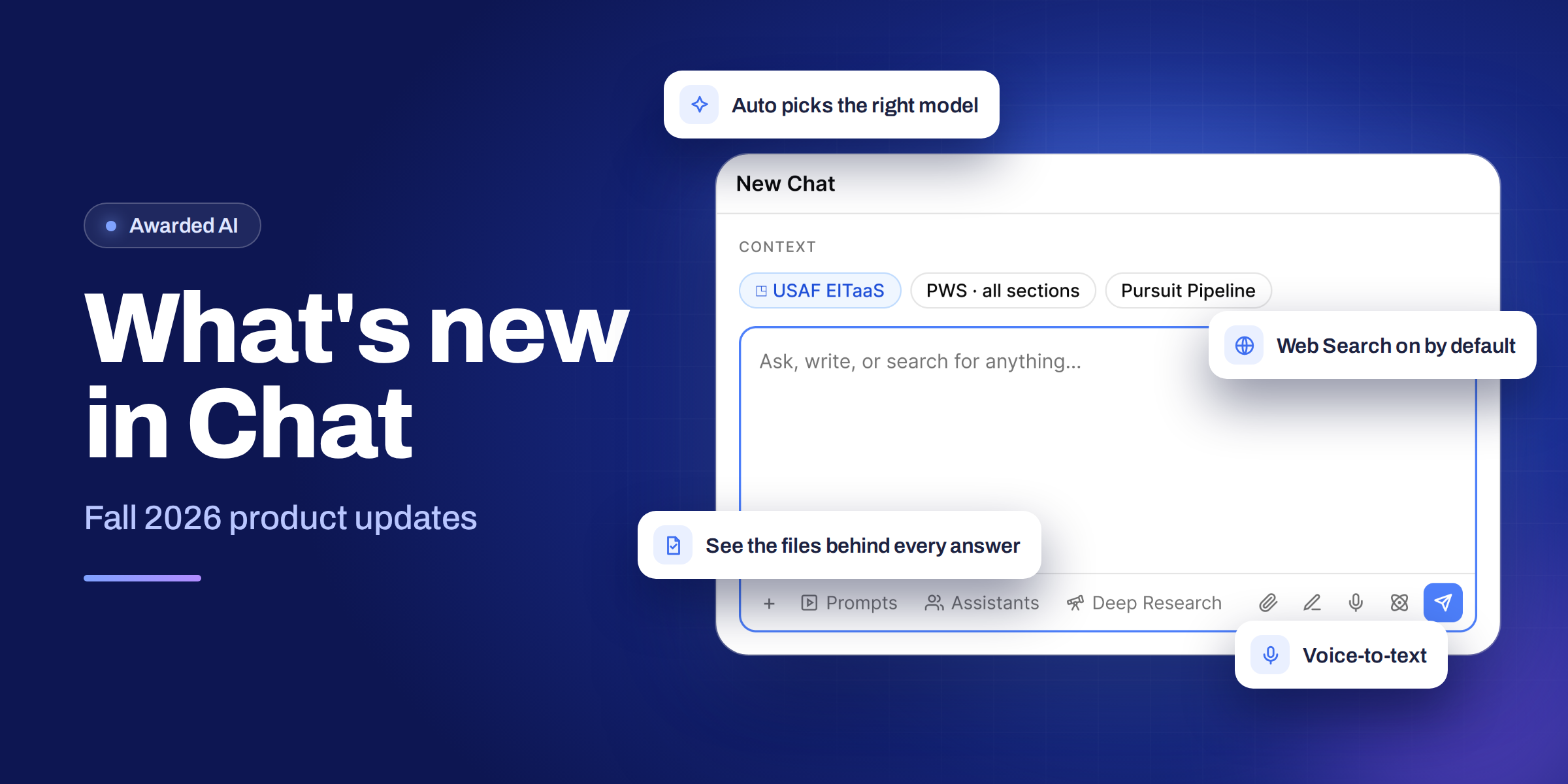
You now have four new models in Chat, each tuned for a different kind of work, and all four are available in both our commercial and FedRAMP environments. You also no longer have to decide which one to use. Chat now defaults to Auto, which picks the model Awarded AI recommends for the task in front of you. You can still choose any model yourself at any time.
Release notes
- New models in commercial and FedRAMP. GPT-5.6 Sol, GPT-5.6 Terra, GPT-5.6 Luna, and Gemini 3.8 Flash are now available in Chat across both environments.
- Let Awarded AI choose the right model for the job. Chat now defaults to a new Auto setting that uses the model Awarded AI recommends for your work. To see which model is in use, hover over Auto in the dropdown or over the model selector. Prefer to choose your own? Open the model selector and pick the model you want.
Deeper, more complete analysis of your documents
Solicitations are long, messy, and often arrive in old formats. Chat reads entire files end to end, searches large file sets more thoroughly, and handles legacy Word files with no conversion step. The result is fuller answers with better citations, without changing how you attach or use files.
- Better whole-file analysis on long documents. Chat can now read an attached file from beginning to end while keeping its analysis deep, so requests like "summarize this entire solicitation" come back complete and polished. Attach the file and ask, and Awarded AI picks the right approach.
- Improved file search in Chat. Chat searches your attached documents more thoroughly and runs follow-up searches when information is missing, so answers from large file sets are more complete and better cited.
- Legacy .doc file support is back. Many government solicitations still ship as .doc files, so they now work the same as .docx across the platform. Upload, search, and use them in Workflows and Chat with no conversion step.
Answers you can trace and trust
In proposal work, an answer is only as good as the source behind it. Chat now shows you exactly which files informed a response and which opportunity is in context. You can verify the evidence in seconds and hand a reviewer an answer they can trace back to the source.
- See the files behind every answer. When Chat searches your attached files, expand the Retrieved Files row to see exactly which files were used. Each file is listed by title, and one click opens it in the file viewer.
- Attached opportunity icon. When an opportunity is attached to your sources, an icon appears in the chat input area so you always know what context Awarded AI is pulling from. Hover to preview, click to see the opportunity, or remove it. The icon only shows when an opportunity is actually attached.
Current information, without toggling or risk
Previously, you had to know when to turn Web Search on. Now Awarded AI reaches for the web automatically whenever current, real-world information would strengthen an answer, and it returns cited sources. Web Search also factors in your chat history and works alongside attached files. It runs through Google Vertex AI, which holds a FedRAMP High authorization, so your data stays under the same security controls used throughout the application.
- Web Search on by default. Awarded AI now searches the web automatically when a question calls for current information, giving you more accurate, up-to-date answers with cited sources.
- Context-aware results. Web Search now has full access to your chat history, so it uses the context of your conversation to return more relevant results.
- Files and Web Search together. You can attach files while Web Search is on, so there's no need to toggle the setting on and off.
- You stay in control. Turn Web Search off anytime from the "+" button in the bottom-left corner of the chat. The app remembers your preference.
- Secure by design. Web search and page reading run through Google Vertex AI, which has a FedRAMP® High authorization. Learn how Awarded AI uses live web search.
Deep Research that knows your work
Deep Research now works with the same context as Chat. Start a run inside an existing thread and it builds on what you've already discussed, so there's no need to restate background. Ground reports in your capture notes, past proposals, and internal documents alongside web sources, with clear attribution for every finding.
- Deep Research uses your conversation, files, and Google Drive. Start a run in an existing thread to build on your discussion. Attach files or turn on Google Drive to combine your internal documents with web sources, with clear attribution showing where each finding came from.
- Good to know: Deep Research does not use your Knowledge Base or Company Profile.
Proposal-ready output
Citations are essential while you research, but they get in the way once content is headed into a proposal. You can now turn them off with one click, so answers paste cleanly into Word and your proposal documents with no line-by-line cleanup.
- Turn citations on or off in Chat. A new Citations toggle in the + menu removes inline citations and footnotes from answers. Your choice is saved, so every new chat stays the way you left it. Citations stay on by default, and the toggle is more reliable than asking the agent to skip them.
Longer conversations that stay on track
Capture and proposal work rarely fits in a short chat. Chat now holds on to your decisions and key details across long sessions, and tells you when a thread is getting full. You can work longer without losing track of your goals, and you'll know exactly when to start fresh.
- Better continuity in long chats. Chat retains decisions and key details from earlier in long sessions through compacted summaries, so longer conversations stay focused on your goals.
- Context usage indicator. Track your model's context limit in the current thread. You'll see a note at 50% of the limit and a heads-up at 70% and 85%, so you know when to start a new chat.
Faster ways to get started
The less time you spend setting up, the more time you spend on the work that wins. You can now build reusable prompts and assistants just by describing them, and speak to Chat instead of typing. Both features are built so anyone on your team can use them on day one.
- Create a prompt or assistant by describing what you want. The Prompt Perfector experience now lives in the full Prompt and Assistant libraries. Open the New Prompt or New Assistant modal, describe what you want in plain language, and Awarded AI fills in the rest. Edit your description and regenerate, or refine any field directly.
- Voice-to-text in Chat. Tap the mic and start speaking right away. Hit the check mark and your text drops straight into the composer. Recordings run up to five minutes, with better background noise filtering thanks to Gemini 2.5 Flash. Available in all environments, including FedRAMP.
Keep the feedback coming
Every one of these updates is live in Awarded AI today. Open Chat, attach your next solicitation, and see the difference for yourself.
Have an idea for what we should improve next? Tell your Customer Success Manager or email feedback@awarded.ai.
Click here to schedule a demo to get the full scoop on how our product actually works and discover how AI can transform your approach to government contracting.
Explore More Resources
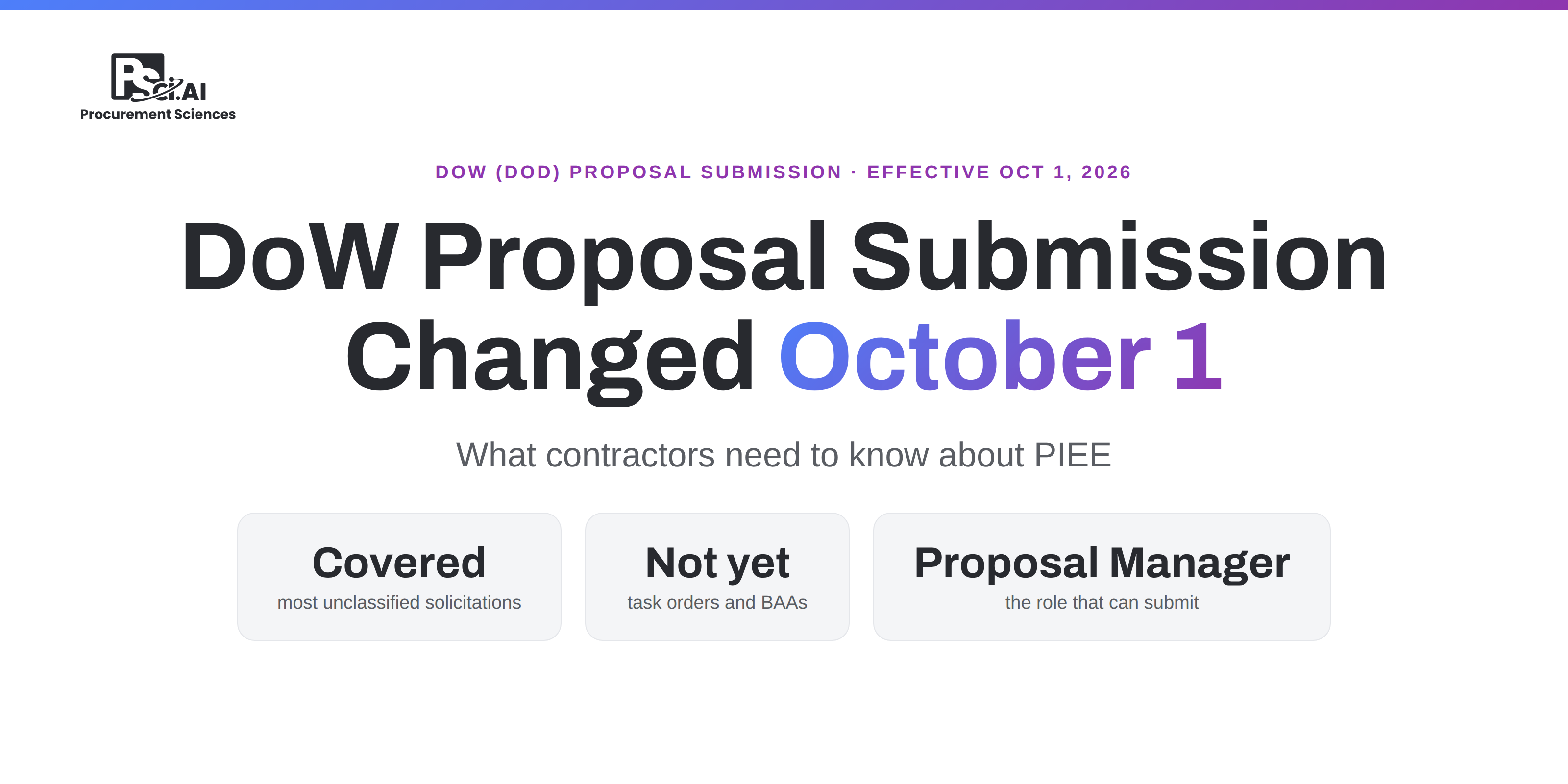
DoW Proposal Submission Changed October 1: What Contractors Need to Know About PIEE
As of October 1, 2026, Department of War (DoW) contracting officers must publish unclassified solicitations and receive offers through the PIEE Solicitation Module, unless an exception applies.
DoW Proposal Submission Changed October 1: What Contractors Need to Know About PIEE
.png)
What Is SEWP VI? A Guide to NASA's Next-Generation IT GWAC
NASA SEWP VI is the sixth generation of one of the federal government's oldest and largest IT acquisition vehicles, a Government-Wide Acquisition Contract (GWAC) that lets any federal agency buy commercial IT, communications, audio/visual, cloud, cybersecurity, and enterprise IT services without running its own competition.
What Is SEWP VI? A Guide to NASA's Next-Generation IT GWAC
.png)
Webinar Recap: Beyond the Audit, CMMC, FedRAMP, and Compliance at Mission Speed
Procurement Sciences recently joined GovConWire and Executive Mosaic for a practical session on where CMMC and FedRAMP stand right now, what the phase two pause actually changed, and what government contractors should be doing today to stay compliant and ready.
Webinar Recap: Beyond the Audit, CMMC, FedRAMP, and Compliance at Mission Speed